Programming:
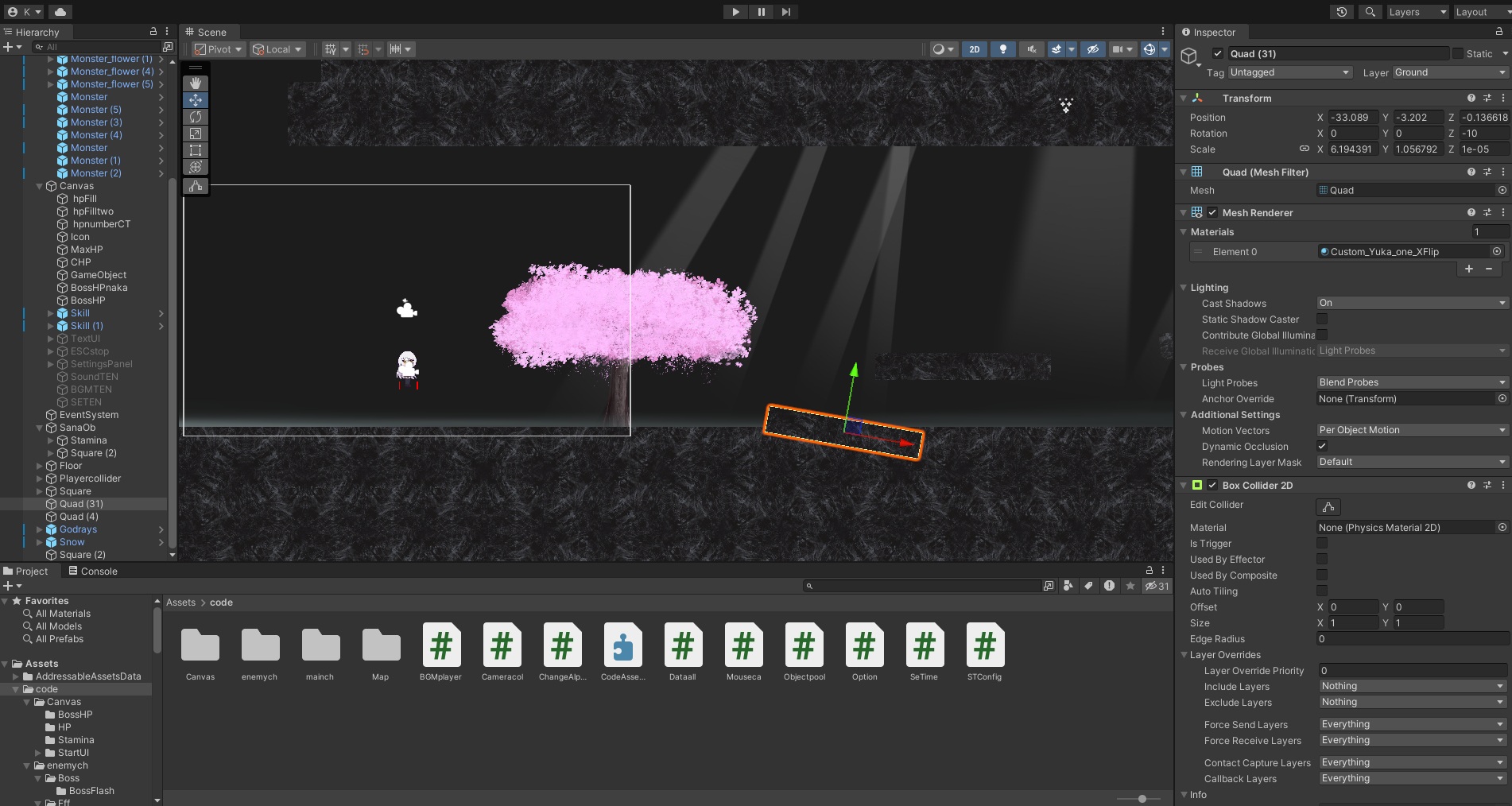
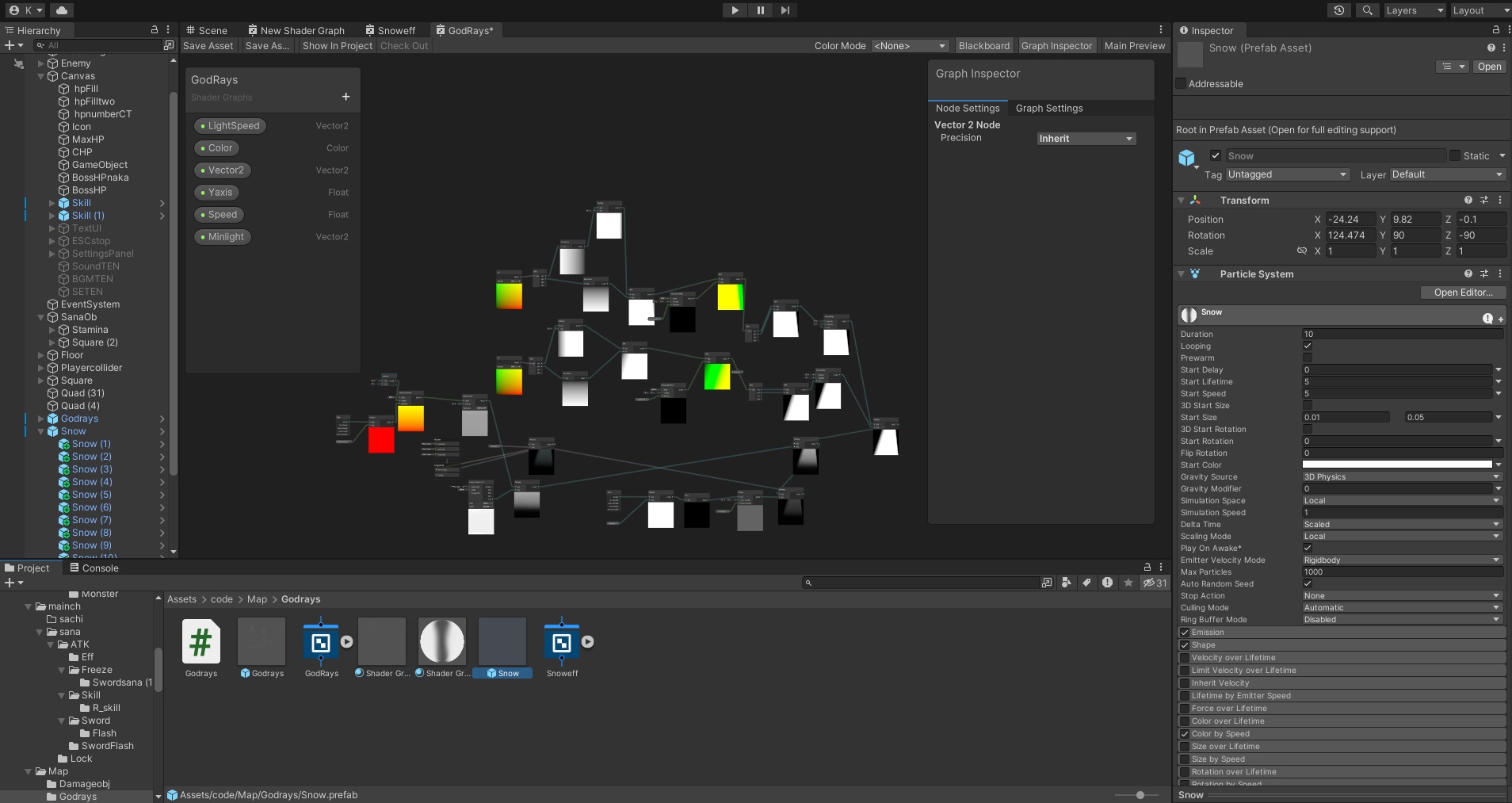
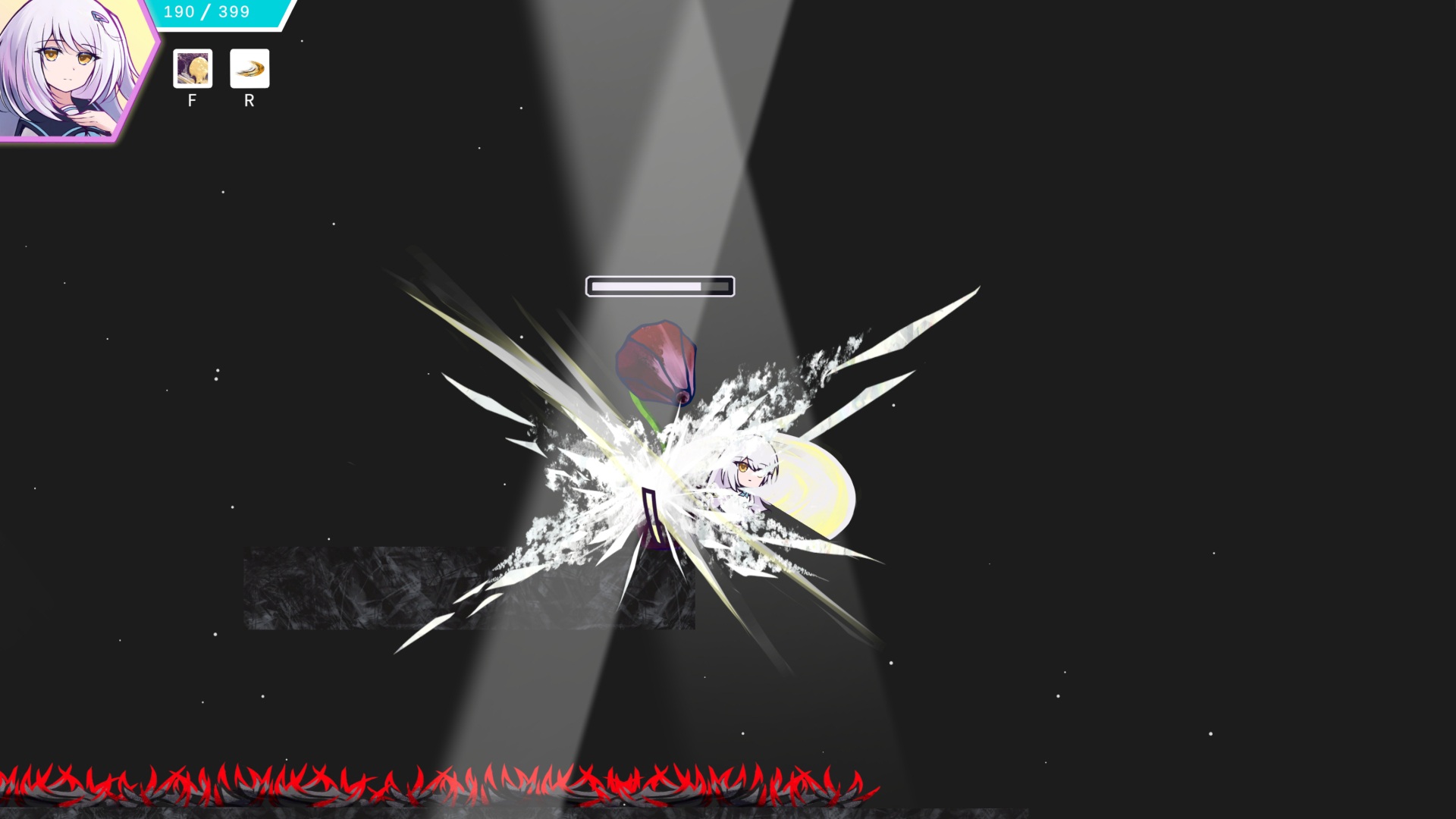
The game is coded in Unity C#. I did not use ready-made assets or plugins from the Unity Asset Store for this demo.
This was not due to an aversion to plugins, but rather a practical development reality, I simply do not have the budget to gamble tens of dollars on a plugin that might end up being useless.
Furthermore, if core character controls relied entirely on a third-party plugin, I would be left completely helpless whenever a bug or errors. By writing the code myself, I ensure that all programming logic, decoupling, and coupling remain entirely under my control.
A portion of the code has been open-sourced on GitHub:
程式
遊戲使用 Unity C# 編碼。Demo製作時未使用 Unity Asset 上現成的插件,不是因為排斥插件,是基於開發的現實考量,畢竟沒辦法隨隨便便買一個幾10美元的插件不好用就算了,且基礎角色控制都要依賴插件才能運作,那一旦遇到 Bug 或任何其他問題,我將會完全沒有能力解決。程式邏輯與程式解耦、耦合都在我掌控之中。
部分代碼已於GitHub開源公開:
プログラミング
ゲーム内はUnity のC# コードを使いました。このデモはUnity Assetにあるプラグインを使っていません、原因はプラグインを使うのは嫌いではなく、原因は現実です、何十ドルのプラグインを無暗に買え使えなくでも心が痛まないお金がないだけです。
そしてキャラクターコントロールはプラグインで動かせるならば、バグや他に何かの問題が発生した場合、これを解決できる能力は持っていません。デモに使ったすべてのC# コードはコントロールできる能力があります。
一部のコードはGitHubに公表しました:
 GitHub
Arts:
This is the area I am most passionate about, as I originally applied for game art positions.
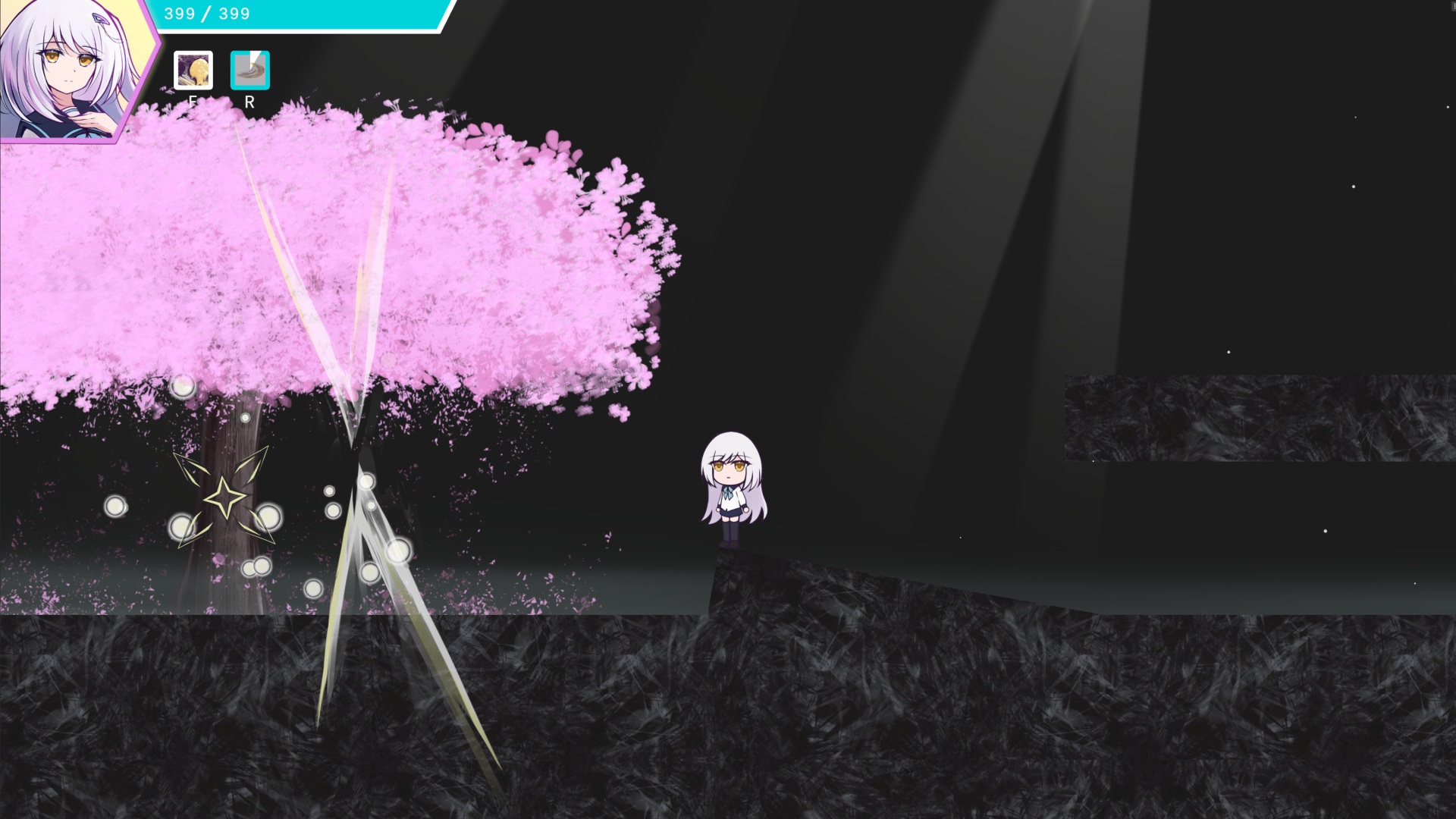
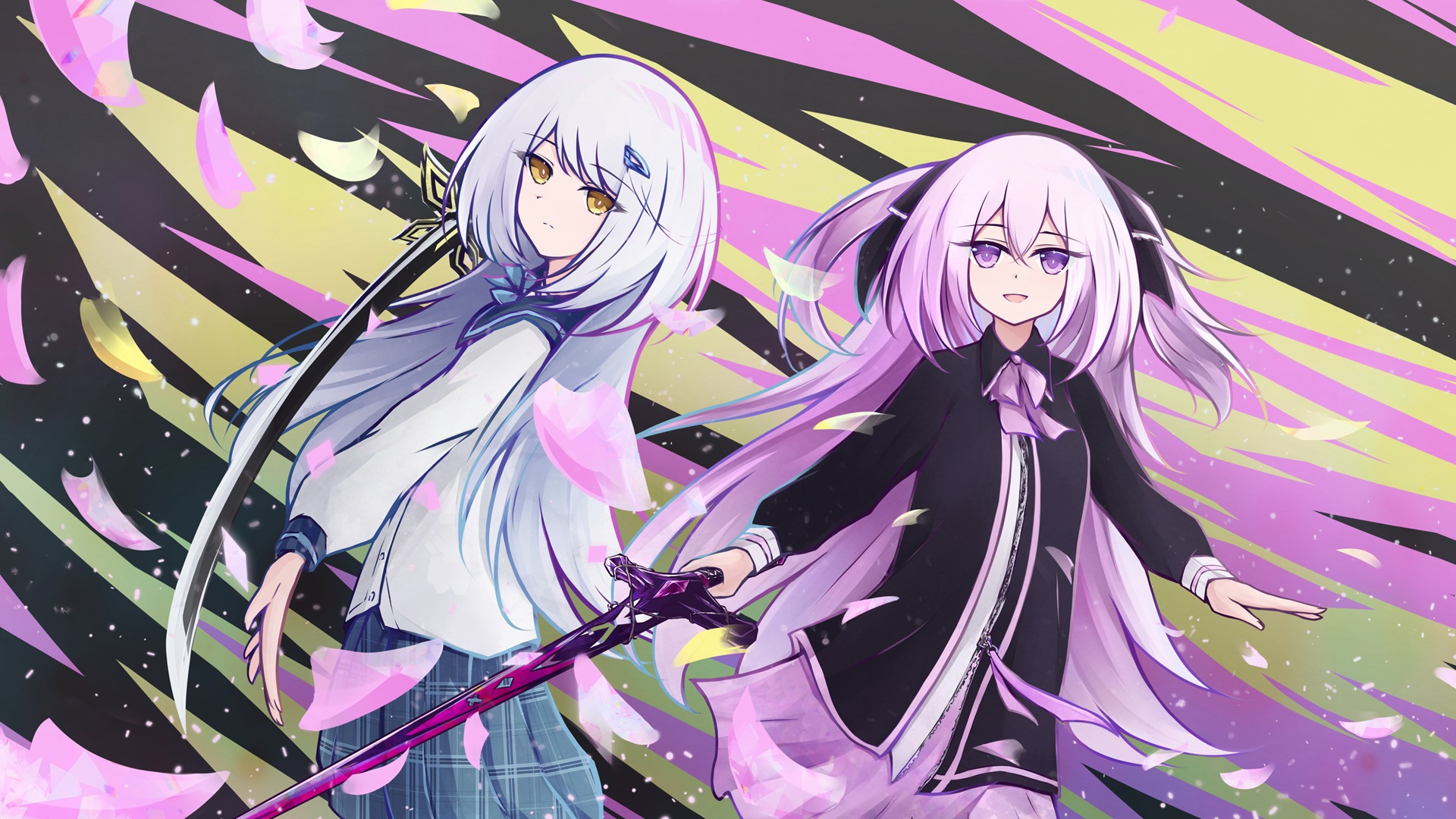
Every illustration, background, enemy, UI element, and environment texture within the game was created entirely by myself, without generated by AI or any graphics from the Unity Asset Store.
Art is where I invested the most effort and what I value the most. My past artworks can be viewed on Pixiv or X etc.
美術
這是我最想做的地方,畢竟我原本就是去應徵遊戲美術的,遊戲內所有的插圖、背景、敵人、UI地板全都是我自己親手畫出來的,沒有使用 AI 生圖,或任何一張Unity Asset Store上可以找到的圖片,畢竟美術是我投入最多也最重視的部分。過去的作品可以看Pixiv、X等。
ビジュアル
これは一番やりたいところです。もともとビジュアル職に就けたいだから、
ゲーム内にあるイラスト、背景、敵、UI、地面などすべては自分の手で描きました、AIが生成した画像はありません、Unity Asset Storeで買えるのもありません、ビジュアルが一番やりたくて一番重要視しているところからです、私の過去の作品もPixivや、Xにあります。
 X (Twitter)
 Pixiv
Pixiv
Animation:
Since I handle both art and programming, I chose not to use Unity Animator.
I directly control the renderer via C# to swap images, using Clip Studio Paint EX's animation tools to previewing, and then within Unity, I convert the timing to 24 frames per second.
To optimize rendering and previews, images are cropped into Power-of-Two square textures.
I opted out of using SpriteAtlas because, given my unique workflow, it surprisingly led to higher Draw Calls, Batches, and memory usage. For the final release, I plan to integrate Live2D for character portraits and add more animation frames to make the movement smoother.
動畫
由於我身兼美術和程式,我選擇不使用Unity的Animator,而是直接以C#控制renderer切換圖片,並使用CLIP EX的動畫化功能繪製預覽,再把一秒換算成24幀控制。
圖片裁切成長度為2的次方的正方形方便Unity渲染和預覽,也沒使用SpriteAtlas可能因為我製作流程特殊,用了反而Draw Calls、Batches、記憶體使用率更高。正式版會在立繪等使用上Live2D,並新增更多幀數優化動畫讓動畫更流暢。
アニメーション
ビジュアルとプログラミング共にやっていますから、UnityのAnimatorを使わずC#コードで直接的にrendererのグラフィックを変えるやり方にします。
CLIP EXのアニメーション機能を使えて画像にあるべきフレーム数を決めます、そしてUnityの一秒をフレーム24に変更し、グラフィックはUnity で使えやすくなるために2のべき乗の正方形にします。
SpriteAtlasを試しましたが、逆にDraw Calls、Batches、メモリ使用率が上がりました、これは私のゲーム作り方は特別かもしれません。正式版には立ち絵などにLive2Dを使います、画像のフレームも増えます。
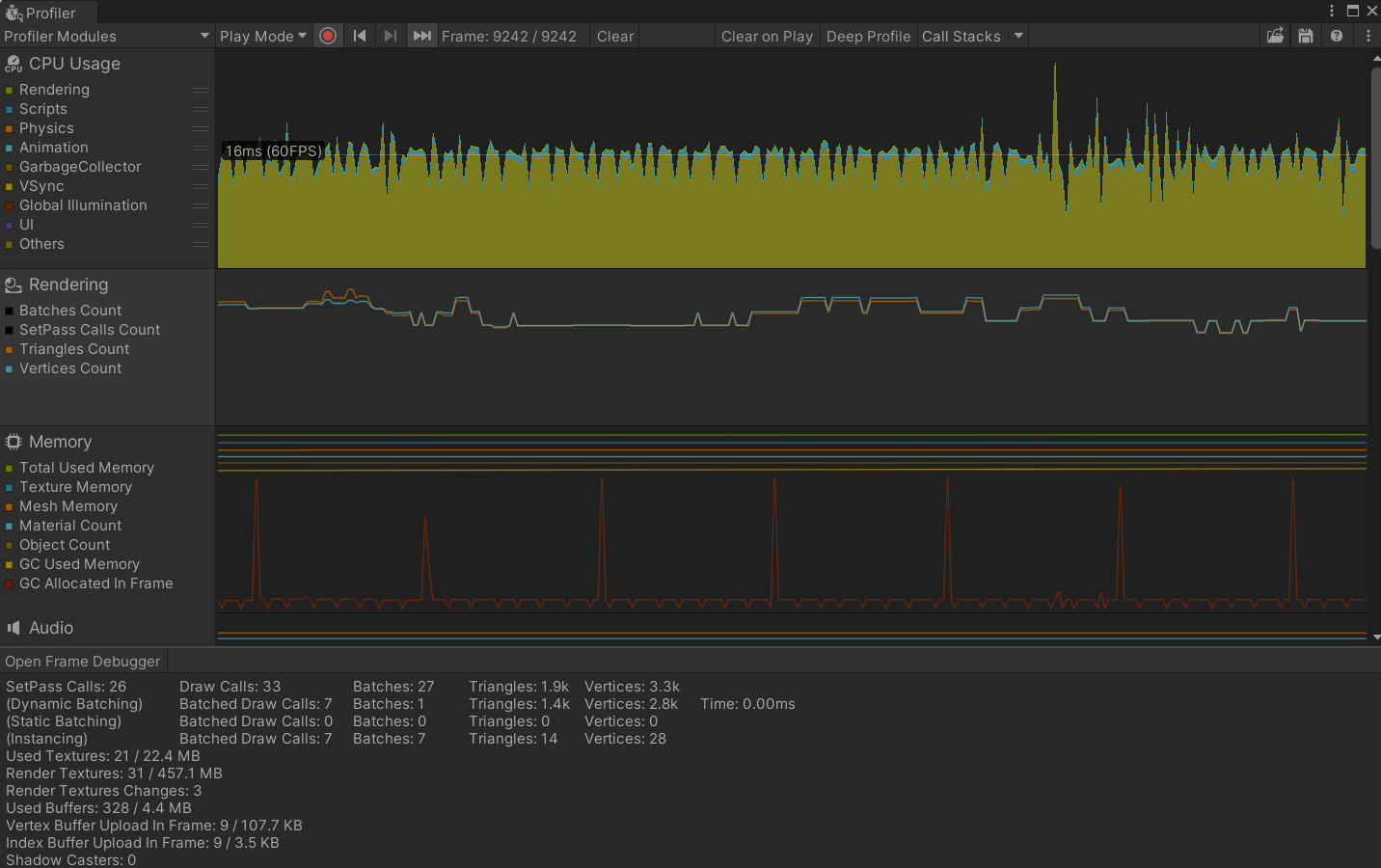 Unity Analysis Profiler
Audio:
I use Ableton to create the sound effects and music, and integrate FMOD within Unity to manage the audio systems.
For the final release, I plan to utilize better audio equipment and deepen my knowledge of music theory and composition techniques, aiming to deliver a much higher quality audio experience that perfectly fits the game.
音效
我使用Ableton做出音效與配樂,而Unity內部使用FMOD的音效功能,正式版開發會用上更好的設備,並多了解樂理知識學習更多作曲相關技術,希望能呈現出更好的效果。
サウンド
効果音とBGMはAbletonで作りました、Unityとの組み合わせはFMODを使いました。正式版の開発はもっと良いデバイスで作るつもりです。 もっと音楽理論を学び作曲のやり方を知ります、もっとこのゲームにふさわしい音楽を作りたいと思います。